How to Master a Suno Track for Spotify
Why your AI track sounds quiet and thin next to commercial releases — and how to fix it, from free tricks to the exact settings I use in my studio.
You finished a track in Suno. In your headphones it sounded huge. Then you uploaded it, opened Spotify, pressed play right after your favorite artist… and your song walked in quiet, thin and somehow small — like it showed up to a stadium gig with a practice amp.
It's not your ears, and it's not bad luck. It's two things stacked on top of each other: Spotify's loudness normalization and the way AI generators build sound. I master Suno tracks for clients, so let me walk you through the whole picture — including the settings from my own sessions, not theory from a manual.
Made a track in Suno? I'll finish it to release quality — from $39.
Why Spotify Turns Your Track Down (or Refuses to Turn It Up)
Spotify plays everything at a roughly equal perceived loudness. The default target is -14 LUFS integrated: louder masters get turned down, quieter ones get turned up — but only as far as their peaks allow. There are also two listener settings you don't control: Loud (-11 LUFS, where Spotify applies its own limiter to quiet tracks — you do not want a robot making that decision for your mix) and Quiet (-19 LUFS).
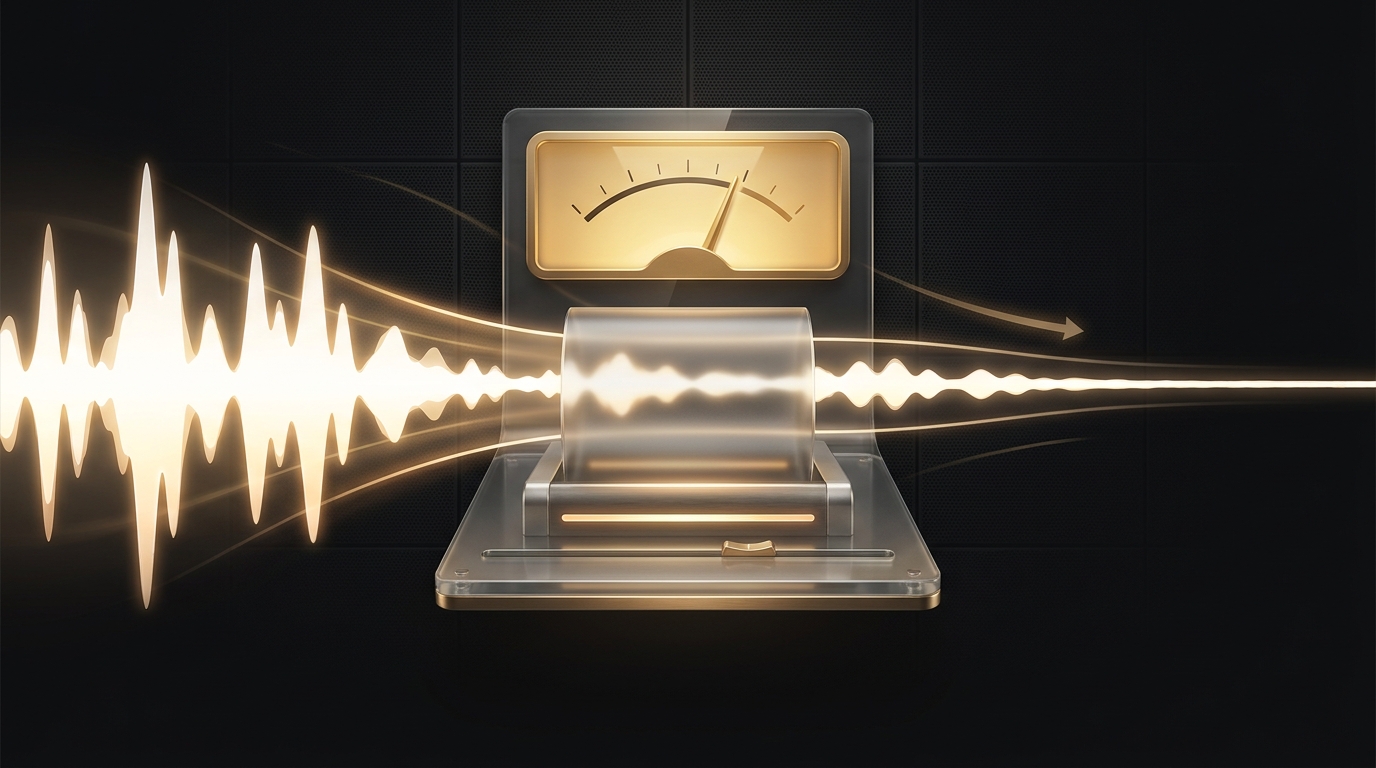
Spotify also asks for true peak below -1 dBTP (below -2 dBTP if your master is louder than -14 LUFS), because converting to lossy formats creates inter-sample peaks — push your file against 0 dB and the encoder adds crackle you never heard in your DAW.
Here's the rule that explains 90% of disappointing uploads: Spotify can change your volume, but it cannot un-bake your damage. Loudness is removable. Clipping, harsh limiting and distortion are printed into the file forever. A crushed track gets turned down to the same level as everyone else — and keeps all of its crunch while losing its punch.
What's Actually Inside a Raw Suno Export
Credit where due: Suno's internal balance is often better than many bedroom mixes. But the file that comes out of the export button has a very recognizable set of ailments:
Soft, eaten transients. The kick loses its click — especially in sections where the vocal is present. The track feels weaker than it measures.
Midrange bloat. Suno pushes mids by default — safe for phone speakers, tiring on anything better.
The ceiling at ~18 kHz. Above it: nothing. The 'air' of a real recording simply isn't generated. The better your playback system, the more obvious it is.
Mud around 100 Hz. The most capricious frequency in bass — it hides on laptop speakers and then drones in your car.
Baked-in reverb with artifacts. The vocal arrives swimming in a hall you can't turn off, complete with shimmer that no de-reverb plugin fully removes.
Metallic hi-hats and fizzy resonances in the 2–4 kHz region — the single biggest 'this is AI' giveaway.
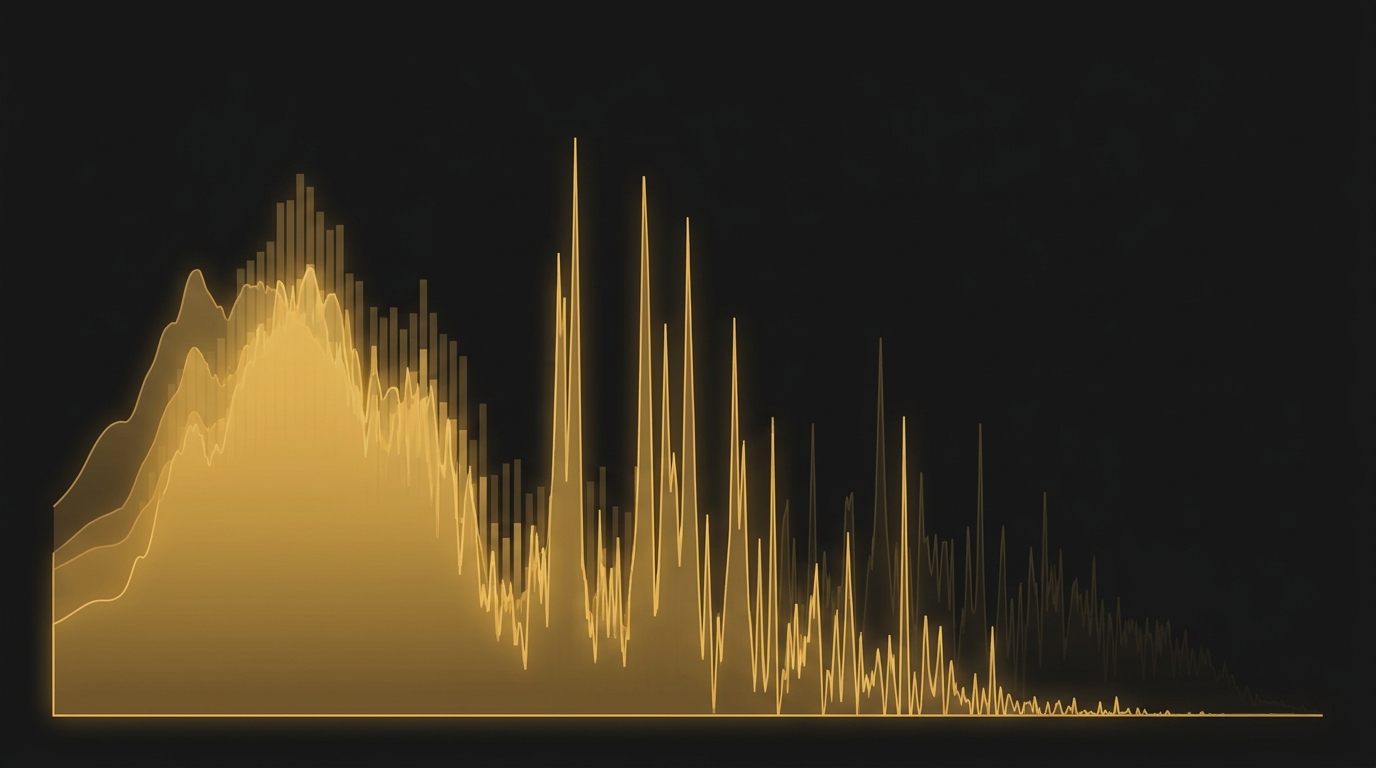
And listeners hear it. Not consciously, maybe — but blind tests keep showing that even casual audiences clock a raw AI track within seconds and engage with it less. The gap between 'generated' and 'released' is exactly what this article is about.
Free Fixes You Can Do Today
Before any mastering, squeeze everything you can out of the source. These cost nothing and stack up fast:
Export the best possible source. WAV, newest model. If your track was generated on an older model, hit Remaster (v5, Normal) before anything else — old-model generations carry extra high-frequency hiss and a flatter image.
The Remaster stereo trick. Remaster gives you two near-identical copies of your track. Put the original in the center, pan the two remasters hard left and right, drop them 4 dB, high-pass at 100 Hz and low-pass around 5 kHz. Congratulations: you just rebuilt the side image of a flat AI export with zero plugins.
Prompt for dry vocals. If you plan to post-produce, ask for a dry, close vocal in the prompt. Removing baked-in AI reverb later is surgery; not generating it is free.
Split to stems with UVR5. It's free. Use the htdemucs_ft model for vocals/drums/bass/other. One warning: separation loves to file saxophones and violins under 'vocals' — always audition the stems before processing them.
Rebuild the missing top with noise. Blend a touch of white noise onto dull hi-hats — it reconstructs the 'air' that was never generated. A quiet vinyl-noise layer over the whole track does double duty: it adds vintage glue and masks small artifacts. Engineers have used this trick since long before AI.
Two reverbs, not one. AI exports are strangely dry once you strip their artifacts. One short ambience reverb for body, one longer tail for depth — suddenly the track breathes like a production instead of a render.

Pro Tip
These steps get a decent generation maybe 70% of the way. The remaining 30% — transient surgery, artifact cleanup, real instruments — is hand work. More on when it's worth it below.
The Loudness Question: -14 or -7?
Here's where the internet fights. The official Spotify docs say -14 LUFS. Meanwhile, pull any current chart hit into a meter and you'll find -7 to -9 LUFS. Who's right?
Both, annoyingly. Spotify will turn a -8 master down to -14 playback anyway — but density survives the turn-down. A well-made loud master played at -14 still feels more solid than a timid master played at -14. The catch is the phrase 'well-made': if you reach that loudness by slamming a limiter into a harsh, uncleaned AI export, you get a loud and ugly track that Spotify politely turns down to be quiet and ugly.
My personal practice, take it or leave it: I push my masters to -7…-8 LUFS integrated — but only after the harshness is cleaned up, and always with a true-peak ceiling engaged. Here's an actual session, meters don't lie:
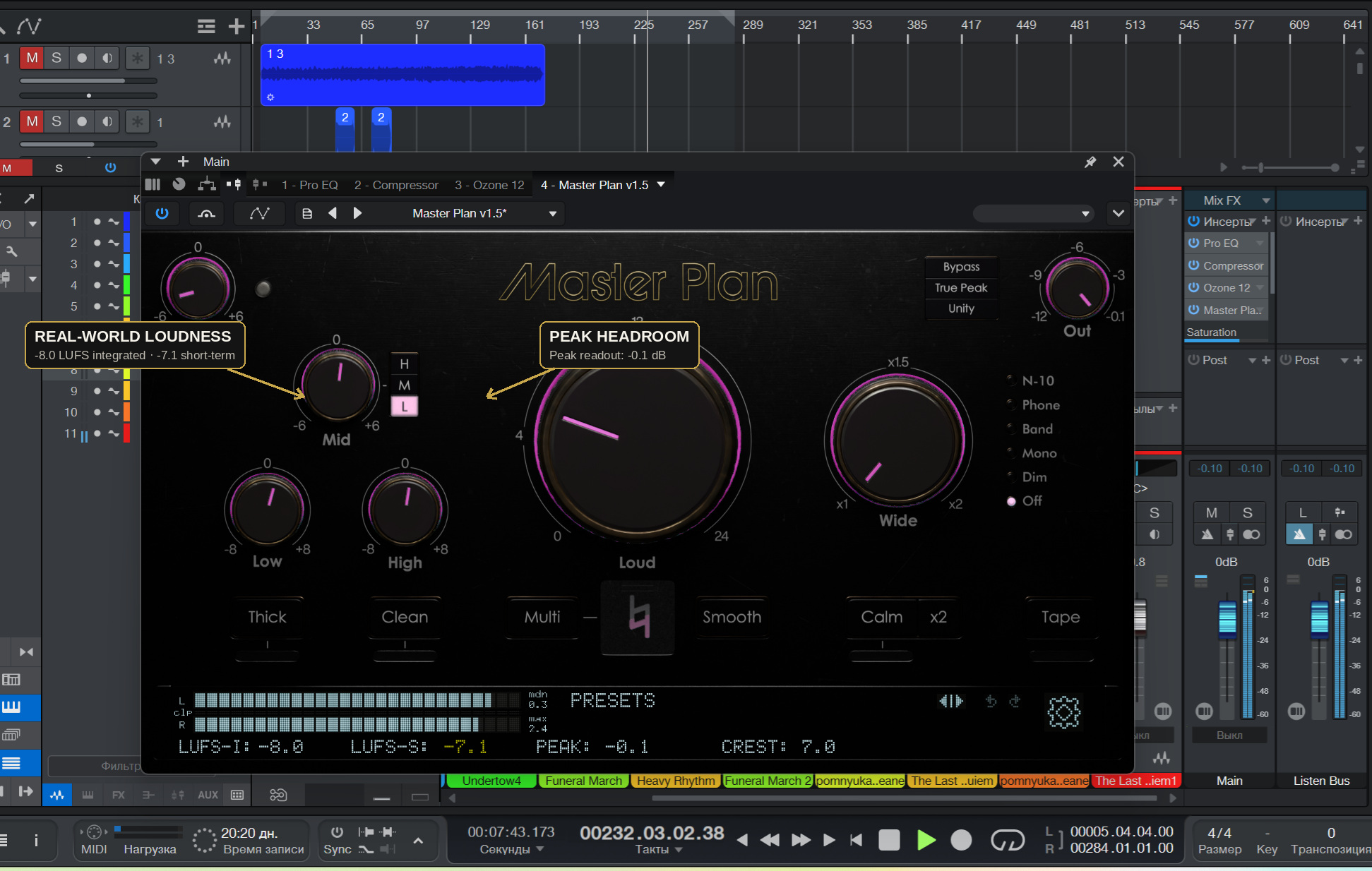
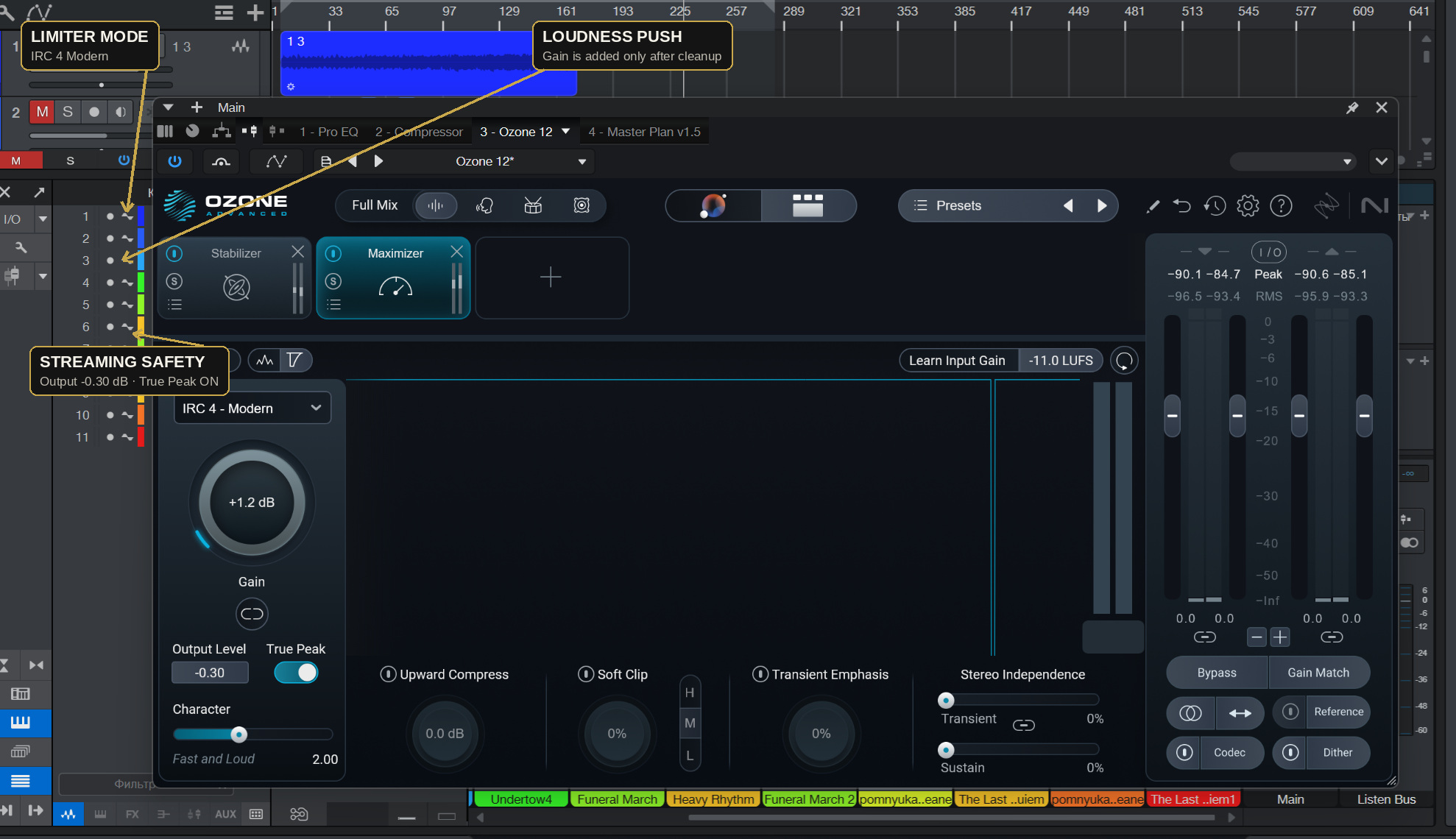
And the limiter stage that makes it safe — the Maximizer in IRC 4 Modern mode, output ceiling at -0.30 dB with True Peak detection on. The loudness gain comes last, after EQ cleanup, never instead of it:
Pro Tip
The test that settles every loudness argument: level-match your master against a commercial reference and listen. If your track only wins when it's louder, it isn't better. And if it starts sounding worse as it gets louder — the answer is never 'more limiter'. It's cleanup.
Made a track in Suno? I'll finish it to release quality — from $39.
My Chain, Start to Finish
Surgical EQ first. Cut the mud (200–400 Hz), tame the AI resonances (2–4 kHz), control the 100 Hz region. Nothing gets louder until the ugly parts are gone.
Gentle compression for glue. 1–2 dB of reduction, slow attack so the surviving transients keep their click.
Tonal balancing. A light mid/side stabilizer pass to open the sides and calm the midrange bloat without touching the vocal center.
Maximizer last. IRC 4 Modern, output -0.30 dB, True Peak on, push to target while listening in delta mode: the moment the track starts folding, back off.
Translation check. Phone speaker, cheap earbuds, car. Earbuds expose vocal harshness, the phone exposes midrange, the car exposes 100 Hz. If it makes musical sense on all three, it ships.
When Mastering Can't Save It
Honesty time. Mastering is processing on the finished stereo file — and some Suno problems live deeper than that. If the kick has no transient to enhance, if the vocal is metallic at its core, if the hi-hats are pure fizz — no amount of mastering will fix generation. That's finishing territory: stem separation, artifact cleanup per stem, replacing weak parts with real instruments, then mixing and mastering the rebuilt track. It's the difference between polishing a car and actually repairing the engine.
If you want to go deeper into the generation side first, I've written a full Suno guide and a Suno Studio guide — better source material makes every step above easier.
The Pre-Upload Checklist
Exported WAV from the newest Suno model (not a year-old generation)
Vocal is clear at low listening volume
Bass passes the car test — no droning around 100 Hz
Highs are smooth on cheap earbuds, not fizzy or metallic
Chorus still hits harder than the verse after limiting
True peak ceiling at -1 dBTP (or -2 if you mastered loud)
No audible clipping anywhere — Spotify can't undo it
Compared against a commercial reference at matched volume
FAQ
What LUFS should I target for a Suno track on Spotify?
Spotify's official guidance is -14 LUFS integrated with true peak below -1 dBTP. In practice, most commercial releases sit around -7 to -9 LUFS, and I master my Suno projects to about -7…-8 LUFS with a -0.3 dB true-peak ceiling. Both approaches work — what matters is that the limiting stays clean. A loud master with baked-in distortion is worse than a quiet one.
Why does my track sound worse on Spotify than in the Suno app?
Three things stack up: Spotify turns your track down (or up) to its normalization target, the file gets converted to a lossy format, and any true-peak overshoots turn into audible distortion during that conversion. If your master was pushed too close to 0 dB, streaming encoding is where it falls apart.
Should I download MP3 or WAV from Suno?
Always WAV if your plan includes any processing. MP3 compression throws away exactly the high-frequency detail that AI tracks are already missing. WAV export requires a paid Suno plan, but if you're releasing music commercially you need a paid plan for the rights anyway.
Do I have to tell Spotify my track was made with AI?
Distributors increasingly ask you to disclose AI-generated content, and the industry is moving toward labeling as the norm. If you generated the track on a paid Suno plan, Suno's terms allow commercial release. My advice: disclose honestly and compete on quality — a well-finished track doesn't need to hide anything.
Can a track be fixed from just the MP3?
Yes. Modern stem separation (UVR5 with the htdemucs_ft model, or paid tools) splits a stereo file into vocals, drums, bass and instruments well enough to clean, rebalance and rebuild from. WAV gives better results, but MP3 is a workable starting point.
Prefer to skip straight to the finished version?
I take Suno tracks apart and finish them by hand — stems, artifact cleanup, live instruments, master. Free processed preview before you pay anything.
Suno Track Finishing →Made a track in Suno? I'll finish it to release quality — from $39.
Want your track to sound like this?
Send it in and get a free preview — hear the difference on your own song before you pay anything.
Get a free preview →