iZotope Ozone 11 Review: The Best Mastering Plugin Gets Better
Ozone has been the industry standard for mastering for years. Version 11 adds new modules and refines existing ones — here is what actually matters for real-world mastering work.
Introduction
In the world of professional mastering, few plugins have had the impact of iZotope Ozone. From its early versions to the current release, Ozone has consistently pushed what is possible inside a single plugin — combining EQ, compression, limiting, stereo imaging, and AI-assisted processing into one cohesive suite.
Ozone 11 continues that tradition with meaningful updates rather than cosmetic changes. The new Stabilizer module, improvements to the Mastering Assistant, and refinements to the existing processing chain make this a genuinely useful upgrade — not just a version bump.
This review covers what is new, how the new modules work in practice, and whether upgrading from a previous version makes sense for your workflow.
What is New in Ozone 11
The headline addition in Ozone 11 is the Stabilizer — a new module designed to address one of the most common problems in mastering: inconsistent tonal balance across a mix. Where traditional EQ requires manual decisions about frequency relationships, the Stabilizer analyzes the spectrum of the track and applies intelligent, dynamic correction to bring the tonal balance closer to a target profile.
The key distinction from a standard EQ is that Stabilizer adjusts dynamically in response to the music rather than applying a fixed curve. Sections of the track that deviate from the target are gently corrected in real time, while sections that are already balanced are left untouched. The result is a more consistent and polished master without the artificial sound of heavy-handed static EQ.
Other notable updates include:
- → Improved Mastering Assistant — the AI-assisted processing is now more accurate at reading complex mixes and generating a starting point that requires less manual adjustment
- → Enhanced Low End Focus — tighter control over bass frequencies with improved mono compatibility checking
- → Updated Limiter module — more transparent limiting at competitive loudness levels, with better transient preservation
- → Refined user interface — cleaner layout, faster module navigation, and improved metering visibility
The Stabilizer Module in Practice
The Stabilizer is the feature most engineers will reach for first, and it delivers on its promise. Applied to a mix with a slightly uneven mid-range — a common issue when clients send rough mixes for mastering — the Stabilizer identifies the problem areas and applies smooth, musical correction without the harshness that static EQ can introduce.
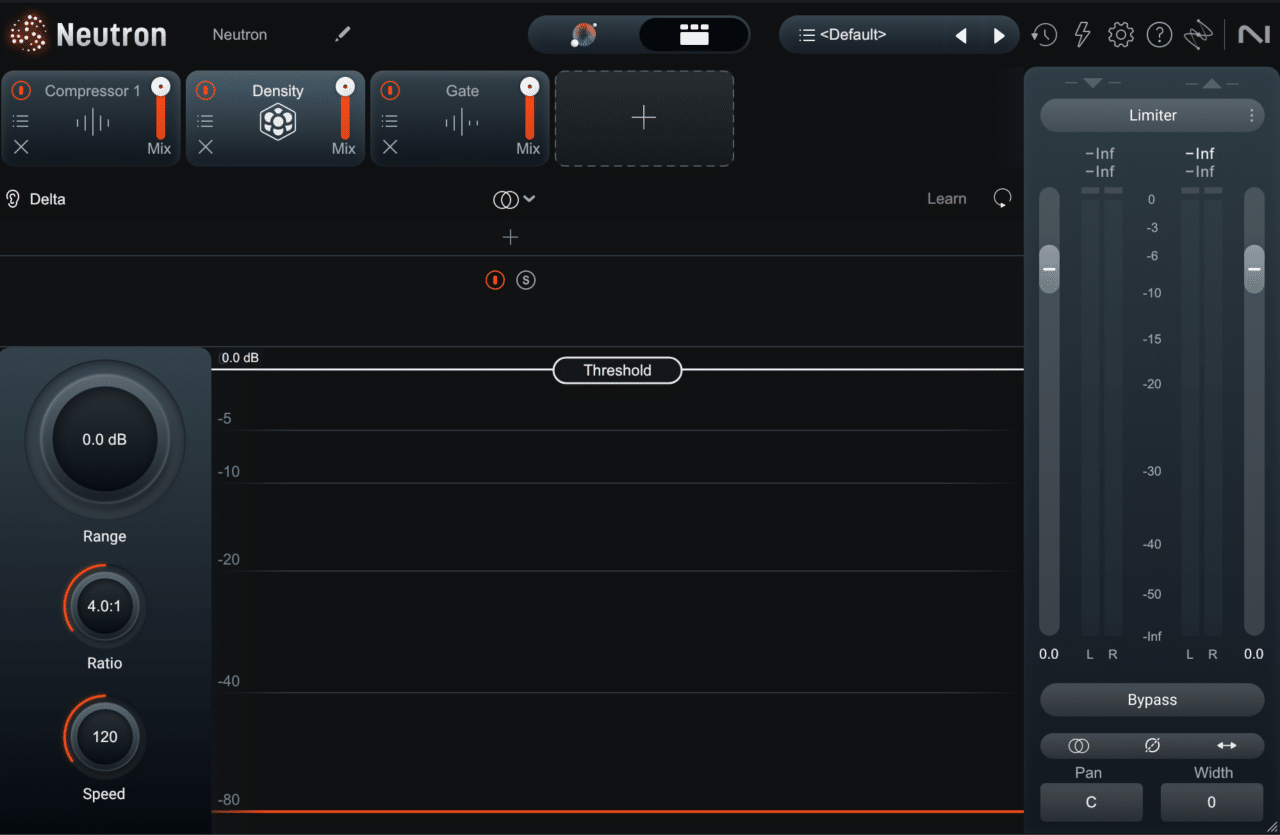
The Threshold control determines how aggressively the module responds to deviations from the target curve. Lower thresholds allow for subtle, transparent correction. Higher thresholds produce more pronounced tonal shaping. For most mastering work, a threshold in the lower to middle range produces the most natural result.
The ability to choose from preset target curves — or to define a custom target based on a reference track — gives the Stabilizer real flexibility. Matching a client's reference becomes significantly more efficient when the Stabilizer is handling the broad tonal shaping, leaving the Equalizer free for more surgical work.
One important caveat before you buy: the Stabilizer is exclusive to Ozone 11 Advanced. It is not included in the Standard edition — details in the comparison below.
Ozone 11 Standard vs Advanced — Which One Do You Need?
This is where most buyers get caught. The two main editions share the same core, but the features that headline this release — including the Stabilizer — live only in Advanced. Here is the honest breakdown:
| Feature | Standard | Advanced |
|---|---|---|
| Core mastering chain (EQ, Dynamics, Imager, Exciter, Maximizer, Vintage modules) | ✓ | ✓ |
| Mastering Assistant | ✓ | ✓ |
| Match EQ | ✓ | ✓ |
| Stabilizer (dynamic tonal balance) | — | ✓ |
| Clarity (spectral contrast) | — | ✓ |
| Impact (micro-dynamics) | — | ✓ |
| Master Rebalance & Low End Focus | — | ✓ |
| Modules as separate component plugins | — | ✓ |
| Tonal Balance Control 2 | — | ✓ |
| List price (watch for frequent sales) | $249 | $499 |
Choose Standard if you want the classic Ozone chain with the Assistant as a starting point and you already own a dynamic EQ you trust. It is a complete, professional mastering suite on its own — nothing about it feels crippled.
Choose Advanced if the Stabilizer is the reason you are reading this review — there is no other way to get it. Advanced also makes sense if you master regularly and want the component plugins, which let you slot individual Ozone modules into a custom chain alongside third-party tools instead of running everything inside the mothership.
The trap to avoid: buying Standard expecting the features from the marketing page. Almost everything iZotope showcases for Ozone 11 — Stabilizer, Clarity, the AI-adjacent processing — is Advanced-only. If those demos sold you, budget for Advanced or wait for a sale.
Mastering Assistant: Smarter Starting Points
The Mastering Assistant has been part of Ozone for several versions, and each iteration has improved its accuracy. In Ozone 11, the Assistant does a better job of reading mixes that include heavy low end, dense high-frequency content, or unusually dynamic arrangements — areas where previous versions sometimes produced settings that required significant manual correction.
The important thing to understand about the Mastering Assistant is what it is and what it is not. It is a starting point — an intelligent analysis of the track that generates a reasonable processing chain as a foundation. It is not a finished master. Every setting the Assistant produces should be reviewed, adjusted, and refined based on the specific requirements of the track, the client, and the intended release format.
Used correctly, the Mastering Assistant saves time on the routine analytical work and allows more time for the creative decisions that actually define the character of a master.
Limiter Improvements: Loudness Without Sacrifice
The Limiter in Ozone 11 has been refined to deliver more transparent results at the loudness levels that streaming platforms and commercial releases require. The improvements are most noticeable on tracks with complex transient content — dense rock mixes, tracks with prominent percussion, or material where previous versions of the Limiter introduced subtle but audible artifacts at higher ceiling settings.
The updated Transient Emphasis control allows for fine-tuning of how transients are handled during limiting. Reducing Transient Emphasis produces a smoother, more modern master. Increasing it preserves more attack and punch at the cost of slightly less limiting headroom. For mastering blues rock and live-recorded material — where dynamic feel is critical — this control has become one of the most important parameters in the chain.
Is It Worth Upgrading from Ozone 10?
The honest answer depends on your workflow. If the Stabilizer module addresses a problem you currently solve with multiple steps — a dynamic EQ plus a traditional EQ plus a reference comparison — then the upgrade pays for itself in time saved. The Stabilizer genuinely does something useful that was not available before.
If your current mastering chain is already producing results you are satisfied with, the upgrade is less urgent. The Limiter improvements are meaningful but incremental. The Mastering Assistant improvements are real but only matter if you use that feature regularly.
For engineers who are not yet using Ozone at all, version 11 is the best starting point the suite has ever offered. The combination of the Stabilizer, the improved Assistant, and the full processing chain makes it one of the most complete mastering tools available at any price point.
Key Takeaways
- → Stabilizer is the standout new module — dynamic tonal correction that sounds musical rather than processed. Advanced edition only
- → Standard vs Advanced — Standard ($249) covers the classic chain; Stabilizer, Clarity, Impact and component plugins require Advanced ($499)
- → Mastering Assistant is more accurate on complex mixes — better starting points, less manual correction needed
- → Limiter improvements are real — more transparent at competitive loudness, better transient handling
- → Upgrade from Ozone 10 — worth it if the Stabilizer solves a problem in your current workflow
- → New to Ozone — version 11 is the best entry point the suite has offered
Not sure what your track needs?
Send it and hear a free 60-second preview — an honest assessment and an exact price, no commitment.
Get a Free Preview →Want your track to sound like this?
Send it in and get a free preview — hear the difference on your own song before you pay anything.
Get a free preview →